


Stella Sales Proposal
Sales10 slidesCobalt × Sky blue
From the problem to case studies and pricing, in 10 slides.
Decks in your company's look, made by your AI agent
Your AI drafts it. Fine-tune the details in a few clicks.
All of these decks were actually made with Pawapo ai. As examples, company names, people and numbers are fictional and the photos are generated.
Just ask Claude, ChatGPT or Gemini. Your AI even walks you through connecting, right there.
 Stella ProposalEmma · Claude
 Product OverviewLiam · ChatGPT
 Q3 Business ReviewNoah · Gemini
If your AI is connected to Salesforce or Notion, it can read past deal notes and sales materials and build the deck from what's in them.
Connecting to Salesforce and Notion is a feature of your AI's connectors (Claude, ChatGPT and others).
The issue from the deal, plus case studies and pricing from your sales materials, turned into a proposal
We read the colors, fonts and logo from your usual deck, so everyone's decks match.
01Cover 03Revenue
 05Revenue mix
Whoever asks, it comes out in these colors, fonts and logo (from the example "Q3 2026 Business Review").
Click text to edit it, and move components around. You can keep editing in PowerPoint, too.
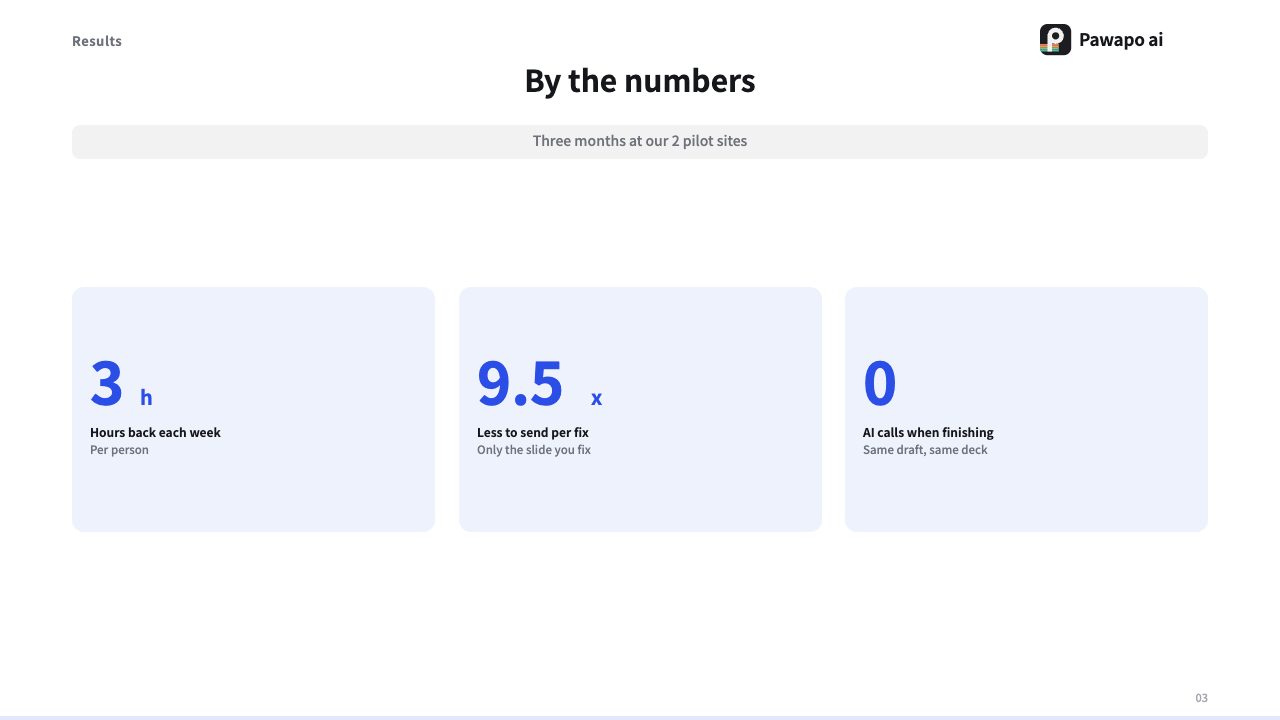
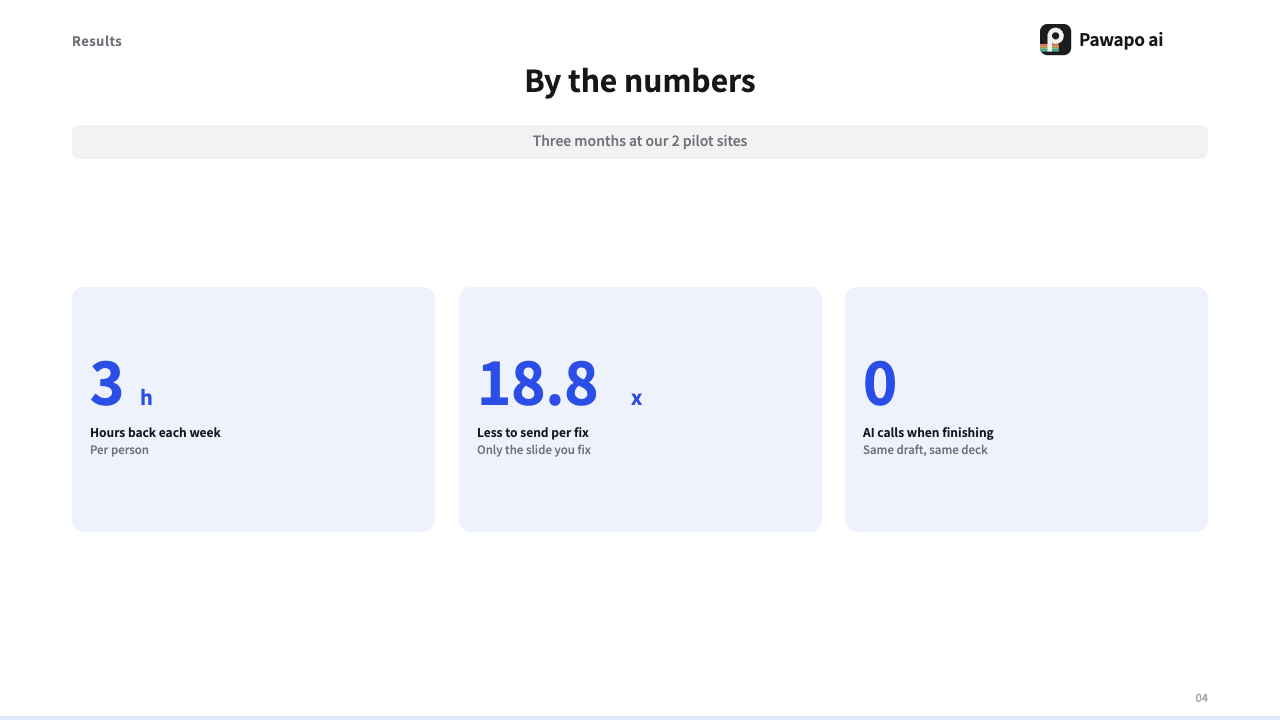
Click for a frame, drag a corner to resize, edit text in place
PEdit it in PowerPoint, tooYour AI writes only the text and structure. We handle colors and spacing, so no tokens go to design. And compared by slide count, it costs less.
{ "layout": "cards",
  "title": "**3 things** happening on the floor",
  "items": [
    { "title": "Half a day on stocktaking" },
    { "title": "Copying errors" },
    { "title": "Stockouts go unnoticed" } ] }
Values taken from each service's official pricing page on September 11, 2026 (AI slide services available in Japan). Pawapo ai and Service A: monthly billing, tax included. Service B: monthly price when billed yearly. Service B uses credits, so the number of slides depends on how many images you use (an estimate based on measured credits per deck). Prices may change. Full pricing and comparison →
Trace every edit. Build the next one on it.

Based on: last month's proposal
Make the next proposal from this deck →
Paste one prompt into your AI. It guides you from there.
We only count the slides you make.
* Prices are in Japanese yen and include Japanese consumption tax (Enterprise quotes exclude tax). Slide limits are per person and pooled across your organization. Reaching a limit never adds charges — only making new slides stops.
Pawapo ai lets you create and edit decks in your company's design from AI such as Claude and ChatGPT. Export to PDF and PowerPoint, and keep every version, change and author with your team.
Just a Google account or an email address. There is no password.
The number of people who make decks, and the slides they newly make or add. Editing, exporting and viewing are not counted, and neither are viewers or the number of AIs you connect.
Only making new slides stops; editing, exporting and viewing keep working. You are never charged extra automatically.
We only receive the deck's content and structure. There is no feature that saves whole conversations or prompts.
What gets shared is the output, not the conversation. Your team opens the organization's decks in one list, follows versions, changes and authors, and builds the next deck on them.
No. The same content and structure with the same brand kit always gives the same result.
We read the colors from a PDF you already have. For PowerPoint, export it to PDF first. Available from the free plan.
Regular text, basic shapes and tables are editable. Hand-drawn SVG is converted into text and shapes where possible, but photos, backgrounds and some complex effects become images. Edits made in PowerPoint do not flow back into your organization's versions.
Yes. You can connect claude.ai, ChatGPT, Codex, Antigravity and Cursor. See the guide for how.
You can separate this by role. "Admin" and "Editor" can make and edit; "Viewer" can only view.
MCP is a standard for connecting your AI to outside tools. Through it, your AI can make and edit decks with Pawapo ai.
In Tokyo, Japan. Decks are delivered through URLs that only signed-in members can open. Connection keys never leave your organization.